Introduction
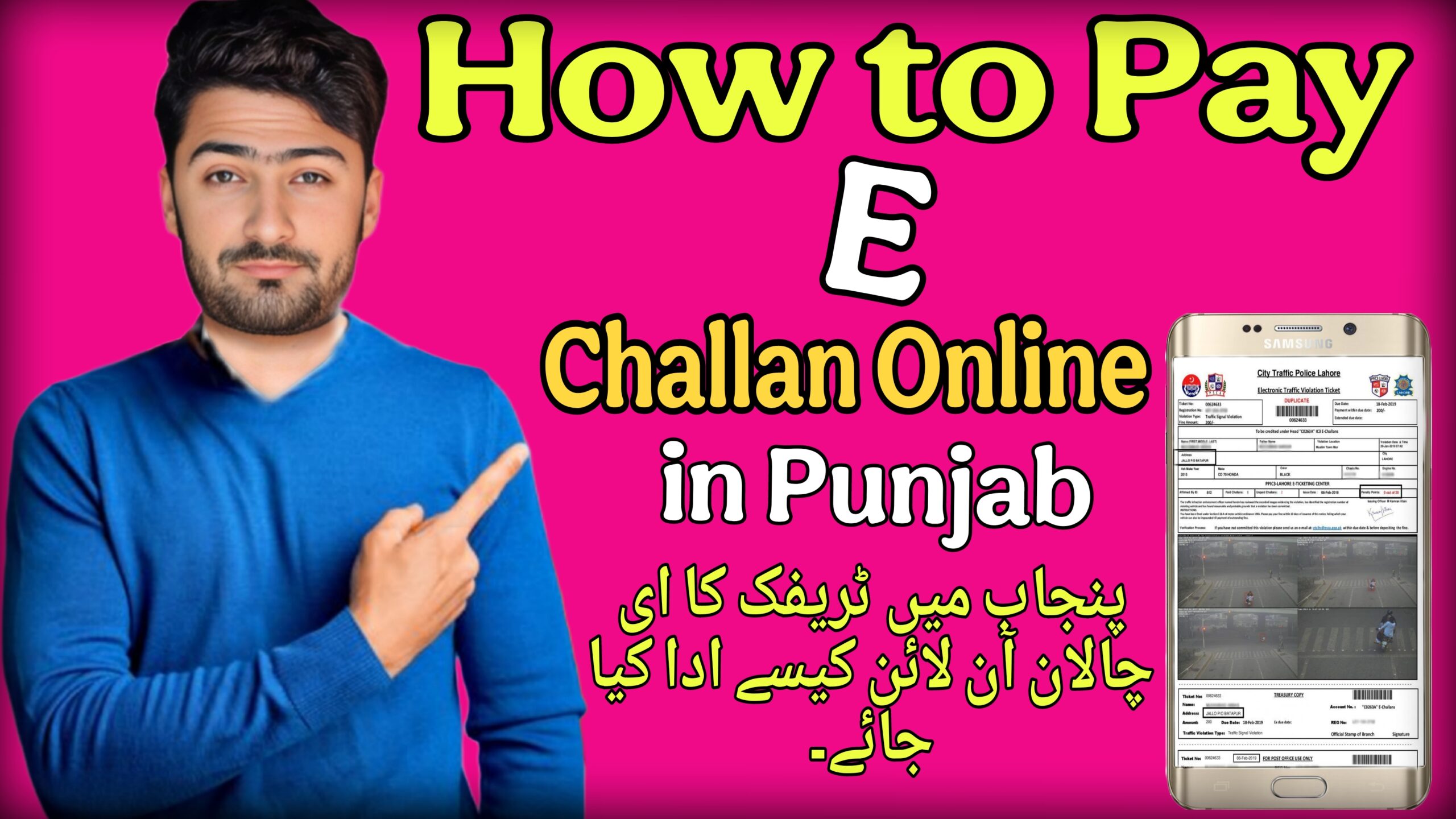
Traffic violations in Punjab are now monitored digitally, and fines are issued through an electronic challan (e-challan) system. Many vehicle owners receive SMS notifications or printed challans at home but are unsure how to pay them online. Understanding the correct process is important to avoid penalties, legal complications, or vehicle registration issues.
This guide explains how to pay a traffic e-challan online in Punjab using official and secure methods. It is written for vehicle owners, drivers, and residents of Punjab who want a clear, step-by-step explanation. The article covers requirements, official platforms, alternative payment methods, common problems, and safety precautions. All information is focused strictly on Punjab, Pakistan, and references relevant authorities where necessary.
What is Traffic E-Challan in Punjab?
A traffic e-challan is an electronic fine issued for violating traffic rules in Punjab. Instead of manual ticketing only, traffic violations are recorded digitally using cameras, speed detection systems, or traffic wardens.
In Punjab, the e-challan system is managed by the Punjab Safe Cities Authority in coordination with the Punjab Police.
Common violations include:
- Overspeeding
- Signal violations
- Lane violations
- Driving without seatbelt
- One-wheeling
- Illegal parking
When a violation is detected:
- A challan is generated digitally
- An SMS is sent to the vehicle owner (if number is registered)
- A printed notice may be delivered to the registered address
The fine must be paid within the specified time to avoid further action.
Why is paying E-challan important in Pakistan?
Paying traffic e-challan on time is important for several reasons:
Legal Compliance
Traffic fines are legal penalties. Ignoring them may result in additional fines or legal proceedings.
Vehicle Registration Issues
Unpaid challans can create problems when:
- Transferring vehicle ownership
- Selling the vehicle
- Renewing registration
Avoiding Penalty Increase
Delayed payment may lead to increased penalties or court referral.
Supporting Road Discipline
The e-challan system improves traffic monitoring and promotes safer driving habits across Punjab.
Paying online is faster, more convenient, and avoids unnecessary visits to government offices.
Requirements / Things You Need
Before paying your e-challan online, keep the following ready:
- Vehicle Registration Number
Required to check challan details online. - CNIC Number (if required)
Some payment methods may ask for identification. - Challan Number (if available)
Helpful for quick tracking. - Internet Access
For accessing official portals or banking apps. - Bank Account / Mobile Wallet
Such as:- Online banking
- Debit card
- JazzCash
- Easypaisa
Make sure your mobile number is registered with your vehicle to receive SMS notifications.
Step-by-Step Guide to Pay Traffic E-Challan Online in Punjab
Follow these steps carefully:
Step 1: Visit the Official E-Challan Portal
Go to the official e-challan website managed by the Punjab Safe Cities Authority. Always verify that you are using the official government domain.
Avoid third-party or unknown websites.
Step 2: Enter Vehicle Details
- Enter your vehicle registration number.
- Complete captcha verification.
- Click “Search” or “Check Challan.”
The system will display:
- Violation type
- Date and time
- Location
- Fine amount
- Challan number
Step 3: Confirm Challan Details
Review the information carefully:
- Check vehicle number
- Confirm violation type
- Verify fine amount
If details are incorrect, do not proceed with payment. Contact the relevant traffic office.
Step 4: Select Online Payment Option
If online payment is enabled:
- Choose available payment method
- Select bank, card, or wallet option
Common payment methods include:
- Debit/Credit Card
- Internet Banking
- JazzCash
- Easypaisa
Step 5: Complete Payment
- Enter payment credentials securely.
- Confirm the transaction.
- Wait for a confirmation message.
After successful payment:
- Save the receipt screenshot.
- Download payment confirmation if available.
Step 6: Verify Payment Status
Re-check the challan status after a few hours or the next day.
Status should show:
- Paid
- Cleared
- Settled
Keep proof of payment for records.
6. Alternative Methods to Pay E-Challan
If online portal payment is not working, you can use alternative options.
1. Bank Branch Payment
You can visit designated bank branches and do the following:
- Provide challan number
- Pay cash at the counter.
- Receive stamped receipt
Check the official portal for a list of approved banks.
2. Mobile Banking Apps
Most major Pakistani banks allow the following:
- Bill payments
- Government payments
- Traffic challan category
Steps:
- Open mobile banking app
- Go to Bill Payments
- Select Traffic Police / Government
- Enter challan details
- Pay directly
3. JazzCash / Easypaisa
Mobile wallet users can:
- Open JazzCash or Easypaisa app
- Search under “Government Payments.”
- Select Traffic E-Challan
- Enter vehicle number or challan number
- Confirm payment
4. Traffic Police Office Visit
If online methods fail:
- Visit nearest traffic police office
- Provide challan details
- Pay at official counter
Always take an official receipt.
Common Problems & Solutions
Problem 1: Challan Not Showing Online
Possible Causes:
- System delay
- Incorrect vehicle number entered
Solution:
- Recheck registration number
- Wait 24–48 hours
- Contact traffic helpline if issue persists
Problem 2: Payment Deducted but Status Not Updated
Solution:
- Keep transaction receipt
- Wait 24 hours for system update
- Contact bank and traffic authority with reference number
Problem 3: Wrong Violation Recorded
Solution:
- Visit traffic office
- Submit objection with evidence
- Provide CNIC and vehicle documents
Do not ignore incorrect challans.
Problem 4: SMS Not Received
Solution:
- Update mobile number with Excise department
- Regularly check online portal manually
Important Tips & Warnings
To stay safe while paying online:
- Always use the official government website.
- Avoid clicking random links from unknown SMS.
- Never share OTP or banking details with anyone.
- Use a secure internet connection.
- Double-check the website domain before entering payment details.
If you suspect fraud:
- Immediately contact your bank.
- Report suspicious activity to relevant authorities.
Also remember:
- Paying through unofficial agents may result in scams.
- Keep payment proof until the status is cleared.
- Regularly check your vehicle for pending challans.
FAQs
1. How can I check if I have an e-challan in Punjab?
Visit the official e-challan portal and enter your vehicle registration number to check pending fines.
2. Can I pay the traffic challan through JazzCash or Easypaisa?
Yes, if the service is available in the app under the Government Payments or Traffic E-Challan category.
3. What happens if I do not pay my challan?
Unpaid challans may result in legal action, increased fines, or issues during vehicle transfer.
4. How long does it take for payment to update?
Usually within 24 hours. In some cases, it may take longer depending on bank processing.
5. Can I dispute a traffic e-challan?
Yes. You can visit the relevant traffic police office and file a complaint with supporting documents.
6. Is online payment safe?
Yes, if you use official government portals or authorized banking apps.
7. Do I need my CNIC to pay the challan?
Normally, the vehicle registration number is enough. Some payment systems may request CNIC verification.
8. Can someone else pay my challan?
Yes. Anyone with the challan details can pay it, but always ensure secure payment methods.
10. Conclusion
Paying traffic e-challans online in Punjab is a simple and efficient process when done through official channels. It helps avoid legal complications, supports traffic discipline, and saves time compared to manual payments. By keeping required details ready and following the correct steps, vehicle owners can complete the payment securely within minutes. Always use authorized portals, verify challan details before paying, and retain proof of transaction for record. Staying informed and compliant ensures smooth vehicle ownership and responsible driving across Punjab.


